Lead Your Team With AI
A 30-day programme that helps the people who lead your teams introduce AI into real workflows safely, consistently and productively.
Your people may already be using AI. The question is whether your managers have a safe, consistent and practical way to lead it.
For 5 to 12 people leaders from one organization.
- Standard company fee
- KES 150,000
- August company rate
- KES 100,000
- You save
- KES 50,000
- Available to
- First five organizations
- Confirm and pay by
- 31 August 2026
AI adoption becomes a management question.
- 01
10 people. 10 different ways of using AI.
When every manager develops a separate approach, the organization has no shared method for deciding where AI fits, what good work looks like, or when a person must step in.
- 02
Your team is using AI. Who checks the work?
AI-assisted work still needs ownership, quality checks and human review before it reaches a customer, colleague or leadership decision.
- 03
Do not start with everyone. Start with the people who lead them.
Give the people responsible for team performance a practical adoption method first. They can then lead a controlled implementation in real work.
Start with the people responsible for team performance.
The programme trains 5 to 12 people leaders from one company. It is not generic full-company training.
BEST-FIT BUYERS
- Founders and CEOs
- COOs and operations leaders
- HR and People leaders
- L&D leaders
- Department heads
- Leaders responsible for managers or team performance
Leadership has evidence from real work.
- 01
High-value team workflows are selected.
- 02
At least one workflow has been implemented in real work.
- 03
Managers have practical safe-use and human-review rules.
- 04
Leadership receives evidence and recommendations for the next adoption decision.
Align. Practise. Implement. Decide.
Stage 01
45-minute Executive AI Alignment
Align the executive sponsor on the business priority, adoption boundary and evidence leadership needs at Day 30.
Stage 02
4-hour People Leaders AI Lab
Map useful workflows, practise safe use and human review, and choose the implementation that moves into real work.
Stage 03
Two 1-hour implementation clinics
Review what happened in practice, remove adoption friction and strengthen the selected workflow with the managers responsible for it.
Stage 04
30-Day Implementation Report
Give leadership a clear record of the implementation, evidence observed and recommendations for the next adoption decision.
A simple toolkit for implementation.
- 01
Team Workflow Mapping Canvas
A practical way to choose where AI may create useful leverage and where human judgment must remain central.
- 02
Safe AI Use Rules
Shared rules for confidential information, quality checks, human review and responsible use at work.
- 03
30-Day Implementation Report
The evidence and recommendations leadership needs before deciding whether to expand AI use.
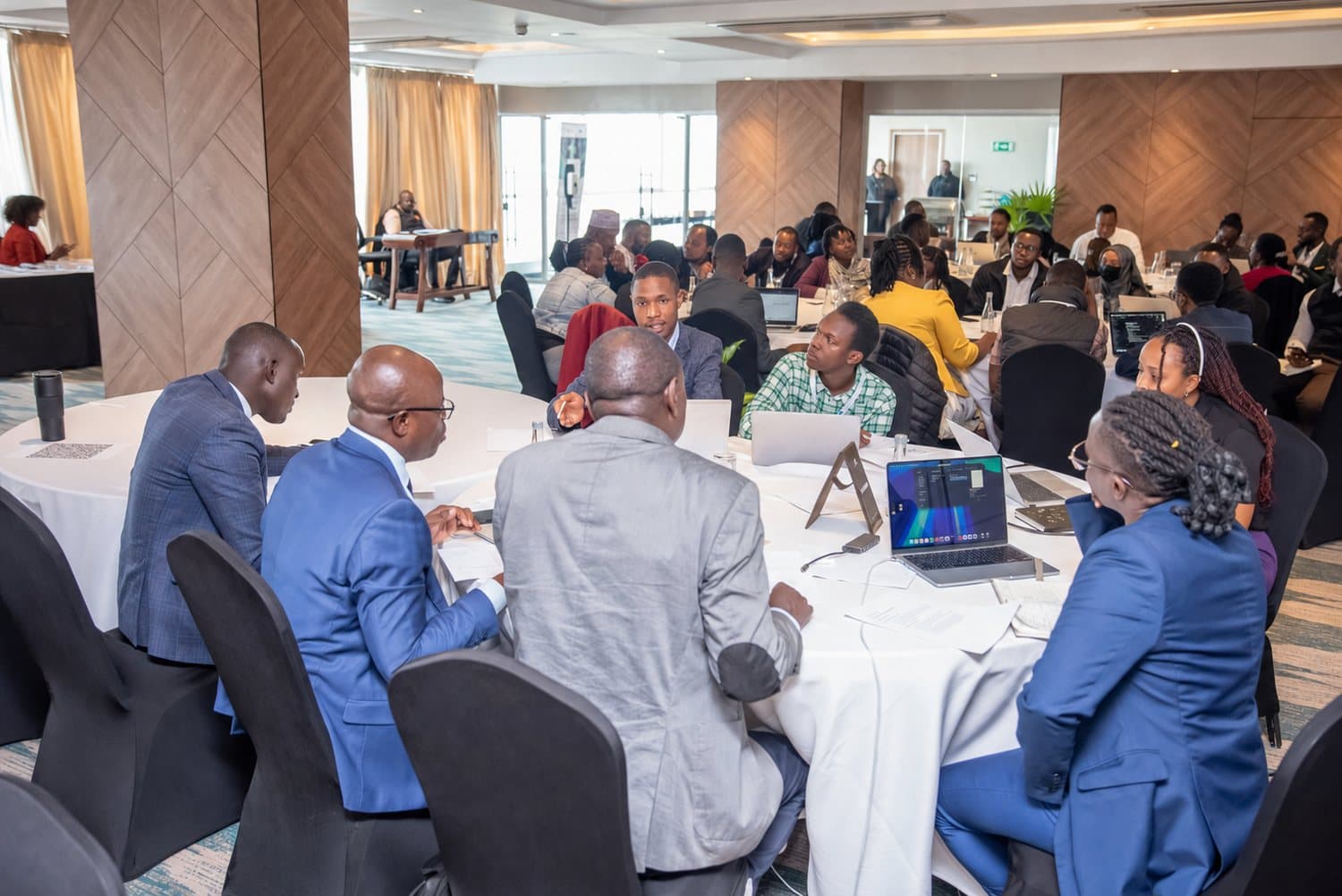
Built from facilitation, not generic AI imagery.
These photographs come from prior workshops and working sessions. The first shows Michael addressing a business audience. They do not represent completion of this exact 30-day programme.

Standard company fee KES 150,000
KES 100,000
Save KES 50,000, approximately 33% off. This is one company fee for 5 to 12 people leaders, not a per-person fee.
The rate applies to the first five eligible organizations that confirm and pay by 31 August 2026.
7-DAY MONEY-BACK GUARANTEE
A practical path, or your money back.
The guarantee starts after the 4-hour lab. The organization may request a refund within seven calendar days after the lab if it genuinely believes the programme has not provided a practical path for its managers to introduce AI safely and productively.
The guarantee does not promise revenue, savings or performance.
Questions before you apply.
- Does the team need prior AI experience?
- No. The programme works with the experience your managers already have, including very limited experience. The focus is a shared method for real workflows, safe use and human review, not technical expertise.
- Is the fee per person?
- No. The August rate is KES 100,000 for one organization and a participant group of 5 to 12 people leaders. The standard company fee is KES 150,000.
- Can each organization begin on its own date?
- Yes. We agree a suitable programme start date with each organization. To qualify for the August rate, an eligible first-five organization must confirm and pay by 31 August 2026.
- Which AI tools are used?
- Tool choice follows the selected workflows, the organization's approved access and its confidentiality requirements. The programme may work with mainstream tools such as ChatGPT, Microsoft Copilot, Gemini or Claude, but it does not depend on a tour of tools.
- How is confidential information handled?
- Managers learn practical rules for what must stay out of unapproved AI tools, what access and settings matter, and what requires human review. Participants should not paste confidential information into a tool their organization has not approved.
- Is this full-company training?
- No. The programme starts with 5 to 12 people leaders from one organization. It equips the people who lead teams to implement AI in a controlled way before the organization decides whether to expand adoption.
- What happens after we apply?
- We review the company application and contact you within one business day. If there is a potential fit, the next step is a short fit conversation to confirm the participant group, timing and programme requirements before payment.
- What does the guarantee cover?
- The 7-Day Money-Back Guarantee starts after the 4-hour lab. The organization may request a refund within seven calendar days after the lab if it genuinely believes the programme has not provided a practical path for its managers to introduce AI safely and productively. It does not guarantee revenue, savings or performance.
Submit your company application.
Tell us who is leading the work, what your managers need to improve and when you would like to begin.
NO PAYMENT REQUIRED TO APPLY